Creative Design... The True Core Competitiveness in the AI Era
Discover the best creative design tools to enhance your creative workflow
Creative design tools help solopreneurs transform ideas into visual experiences, brand assets, and interactive concepts. From early inspiration to polished prototypes, these tools support the entire creative workflow without requiring a dedicated design team.
For solo founders, creative efficiency matters. The right tools make it possible to brainstorm faster, design consistently, and communicate ideas clearly across marketing, product, and brand touchpoints.
This page organizes creative design tools into practical categories — covering inspiration, ideation, prototyping, and asset management — so solopreneurs can quickly find the tools that match their creative needs.
Creative Design Tool Selection Guide
Choose the most suitable design tools based on your creative needs
Inspiration & Resource Access
Multi-Modal Support
AI Generation Capabilities
Collaboration & Version Control
Ease of Use
Pricing & Flexibility
2025 Creative Design Tools: Top 10 AI Tools & Digital Employees
(Product information is subject to change, please visit each tool's official website for the latest information)
Creative Inspiration & Visual Ideation
Tools in this category help solopreneurs discover visual inspiration and creative direction. They provide access to design trends, reference materials, and visual examples that spark ideas and guide early-stage creative thinking.

Creative Inspiration & Visual Ideation
Main Features
Main Advantages
Considerations
Target Audience
Pricing Model
User Reputation
Watch Reference Video
Pinterest Creative Inspiration Guide
Pinterest Creative Inspiration Guide

Behance
RecommendedCreative Inspiration & Visual Ideation
Main Features
Main Advantages
Considerations
Target Audience
Pricing Model
User Reputation
Watch Reference Video

Complete Behance Creative Platform Guide
Complete Behance Creative Platform Guide
Creative Inspiration & Brainstorming
Creative brainstorming tools support idea generation, concept exploration, and visual thinking. They help solopreneurs organize thoughts, map concepts, and develop creative directions before moving into detailed design work.

MindMeister
Creative Inspiration & Brainstorming
Main Features
Main Advantages
Considerations
Target Audience
Pricing Model
User Reputation
Watch Reference Video
MindMeister Mind Mapping Tool Tutorial
MindMeister Mind Mapping Tool Tutorial

Miro
RecommendedCreative Inspiration & Brainstorming
Main Features
Main Advantages
Considerations
Target Audience
Pricing Model
User Reputation
Watch Reference Video

Miro Collaborative Whiteboard Guide
Miro Collaborative Whiteboard Guide
Creative Ideation & Sketch Design
Ideation and sketch design tools enable users to turn concepts into early visual outputs. From rough sketches to layout drafts, these tools make it easy to experiment with design ideas and iterate quickly without advanced technical skills.

Canva
RecommendedCreative Ideation & Sketch Design
Main Features
Main Advantages
Considerations
Target Audience
Pricing Model
User Reputation
Watch Reference Video
Complete Canva Design Platform Tutorial
Complete Canva Design Platform Tutorial

Figma
Creative Ideation & Sketch Design
Main Features
Main Advantages
Considerations
Target Audience
Pricing Model
User Reputation
Watch Reference Video

Figma tutorial for Beginners: Complete Website from Start to Finish
Figma tutorial for Beginners: Complete Website from Start to Finish
Prototype Design & Interactive Experience
Prototyping tools transform static designs into interactive experiences. They allow solopreneurs to test user flows, interactions, and visual behavior, making it easier to gather feedback and refine ideas before final execution.

InVision
RecommendedPrototype Design & Interactive Experience
Main Features
Main Advantages
Considerations
Target Audience
Pricing Model
User Reputation
Watch Reference Video
InVision Prototyping Complete Guide
InVision Prototyping Complete Guide

Marvel
Prototype Design & Interactive Experience
Main Features
Main Advantages
Considerations
Target Audience
Pricing Model
User Reputation
Watch Reference Video
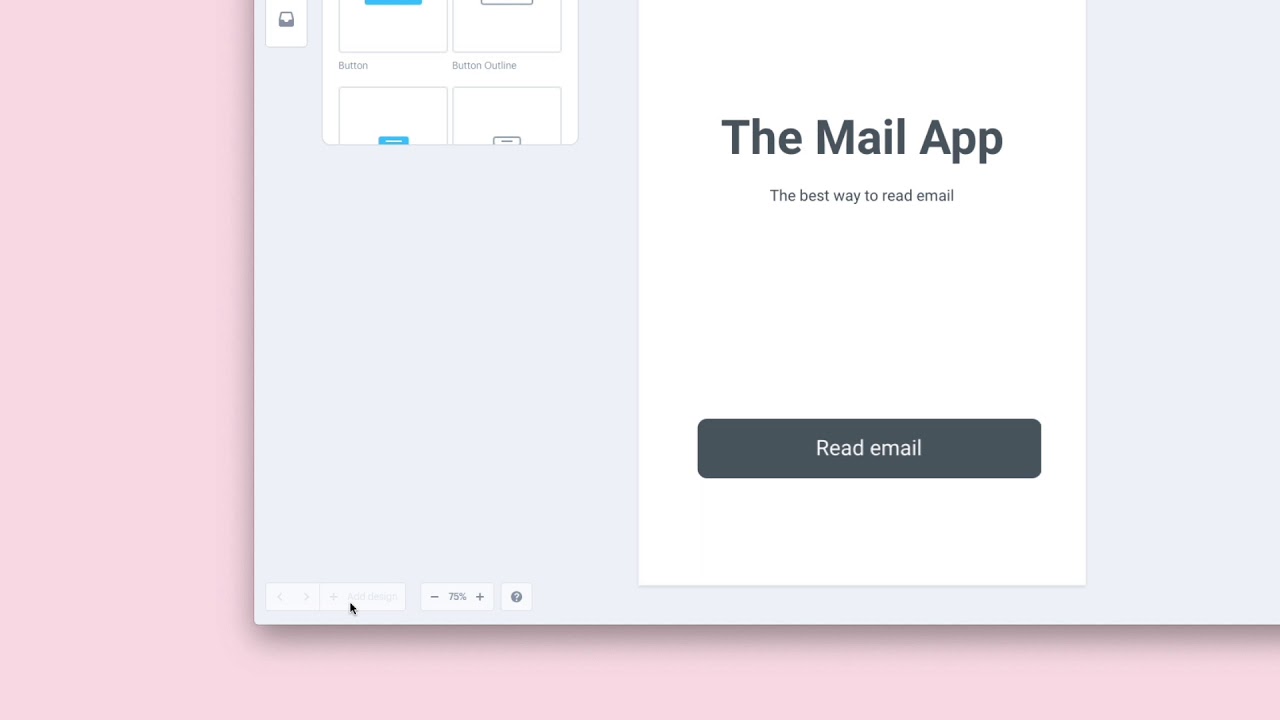
Marvel App Prototyping Tutorial
Marvel App Prototyping Tutorial
Creative Resources & Asset Management
Creative resource and asset management tools help organize, store, and reuse design materials such as images, icons, templates, and brand assets. These tools improve consistency and efficiency by keeping creative resources accessible and well-structured.

Coolors
Creative Resources & Asset Management
Main Features
Main Advantages
Considerations
Target Audience
Pricing Model
User Reputation
Watch Reference Video
Coolors Color Palette Generator Guide
Coolors Color Palette Generator Guide

Unsplash
RecommendedCreative Resources & Asset Management
Main Features
Main Advantages
Considerations
Target Audience
Pricing Model
User Reputation
Watch Reference Video
Unsplash Free Stock Photos Guide
Unsplash Free Stock Photos Guide
Frequently Asked Questions
Creative design tools are digital platforms that help users create visuals, layouts, and interactive experiences. They support tasks such as ideation, sketching, prototyping, and asset management. These tools make professional-level design accessible to solopreneurs.
Solopreneurs often manage branding, marketing, and product presentation on their own. Creative design tools reduce reliance on external designers and speed up visual production. This leads to better consistency and faster execution.
Inspiration tools focus on visual references and trend discovery, helping users spark ideas. Ideation tools help structure and develop those ideas into concepts or early designs. Together, they support the creative thinking process from discovery to definition.
Brainstorming tools help organize thoughts, map ideas, and explore multiple creative directions. They are especially useful in early planning stages, ensuring ideas are clearly defined before moving into design execution.
Sketch design tools allow users to create rough visual drafts and layout concepts. They help test ideas quickly without the pressure of producing final designs. This encourages experimentation and rapid iteration.
Prototyping makes ideas tangible by turning static designs into interactive experiences. It helps solopreneurs validate usability, gather feedback, and refine user flows before committing to final production.
These tools store and organize creative assets such as images, icons, templates, and brand materials. They ensure assets are easy to find, reuse, and maintain across different projects and channels.
Yes. Many tools are designed with intuitive interfaces and templates that guide beginners through the design process. AI-assisted features further simplify creative tasks for users without design experience.
Many platforms offer real-time collaboration, comments, and shared workspaces. This makes it easier to work with partners, clients, or contributors, even in remote or asynchronous settings.
By centralizing inspiration, design, and asset management, these tools reduce repetitive work and context switching. Automation and templates speed up production, allowing solopreneurs to focus on creative decisions rather than manual tasks.